
You can print your JAMB admission letter from the comfort of your home or directly on your phone; no need to visit any JAMB office or CBT centre. This guide will show you how to print your JAMB admission letter using your email address and also how to print it without an email.
Two ways to get JAMB admission letter Portal
You can print JAMB admission by using email or without email
How to Print JAMB Admission Letter from the Portal with Email
- Log in to your efacility.jamb.gov.ng profile. If you don’t log in…
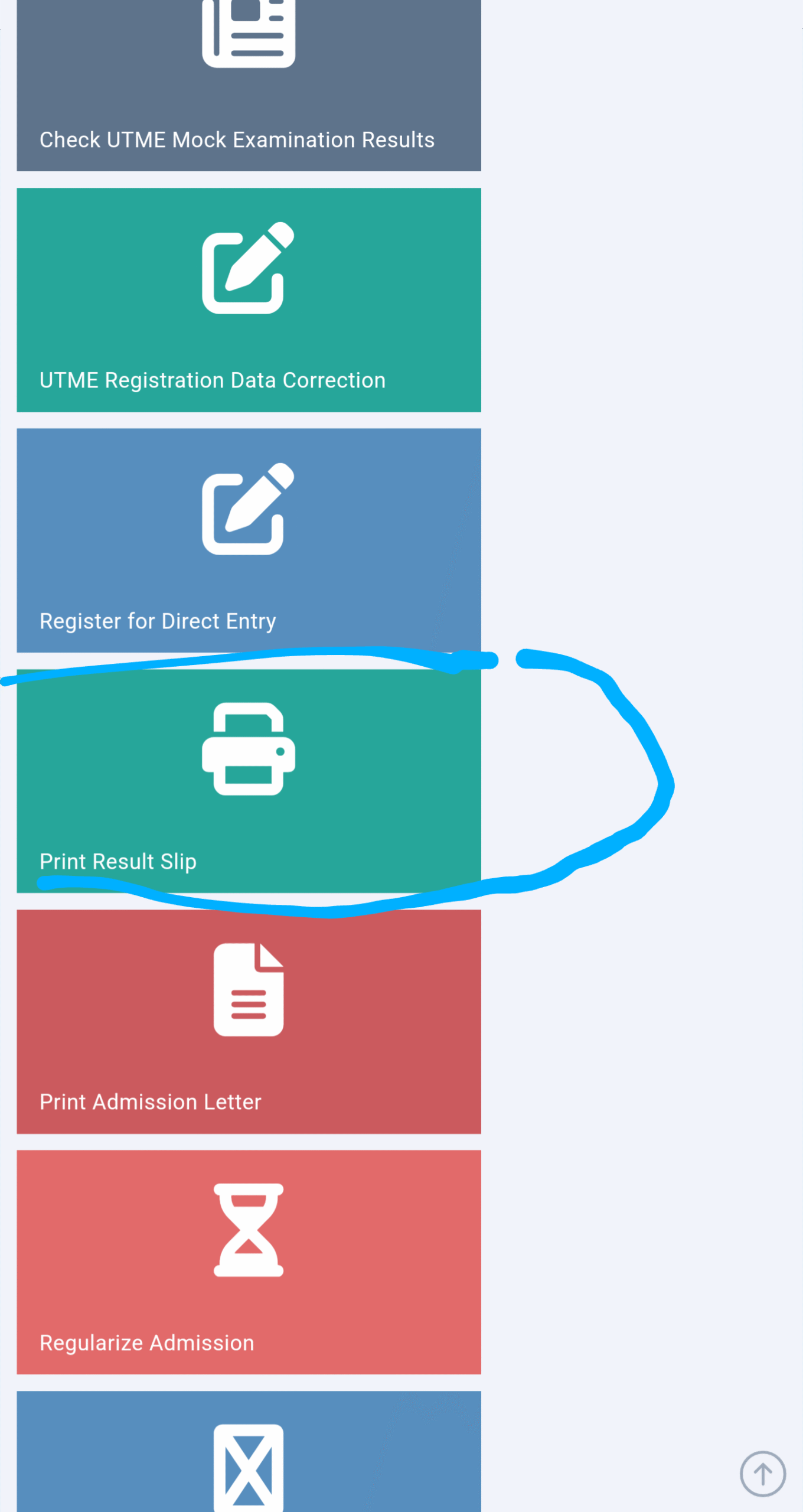
- Click on “print admission letter“.
Related Posts
- Select the UTME year and click. Validate admission and continue to print the letter.
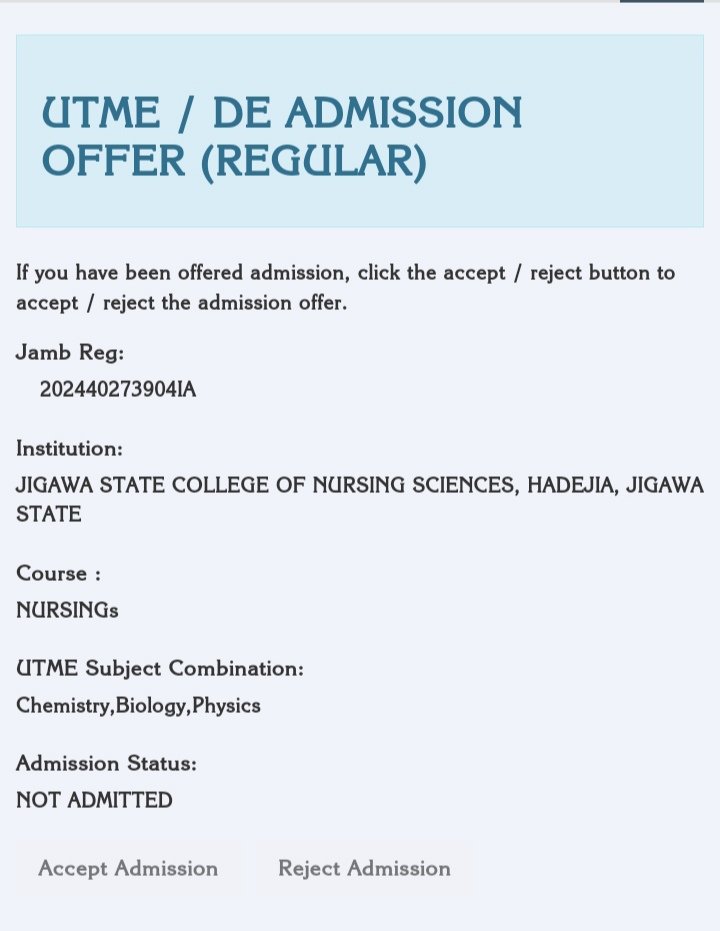
- If admission been given Accept it; it will redirect you to make payment
- After successful payment, it will download the JAMB admission letter for you
Or
Join Our JAMB Update Communities
Get fast JAMB resource, past questions & updates instantly.
 Join Telegram
 WhatsApp Channel
- Log in to your efacility.jamb.gov.ng profile.
- Visit the JAMB Caps portal (if provided with How to Accept JAMB admission)
- Go back and click on
- Click on “print admission letter“.
- Make the payment and print it
How to Print JAMB admission letter without email
This is the simple and difficult way to print JAMB admission letter without email
- Visit your nearest JAMB center
- Tell Them you need JAMB admission letter
- Provide your phone number, JAMB number, profile code, or email address that you used during JAMB registration
- Done, or you can contact to print JAMB admission without Email
Related Posts