
JAMB has released the 2026 UTME results for candidates who participated in the examination. Candidates can now check their JAMB results using two available methods: through SMS or online via the JAMB result-checking portal.
The SMS method allows candidates to check their results using their registered phone number, while the online method requires candidates to log in to the JAMB portal to access their result details.
How to Use the JAMB Result Check with SMS
To check your JAMB result through SMS, ensure that you have at least ₦50 airtime on your phone. Also, make sure the SIM card you are using to check your result is the same phone number you used during your JAMB registration.
Join Our JAMB Update Communities
Get fast JAMB resource, past questions & updates instantly.
 Join Telegram
 WhatsApp Channel
Using your registered JAMB phone number, you can send the required SMS format to check your UTME result and receive your result details.
- First, open your messages.
- Enter 55019 as recipient (to)
- Write UTMERESULT as body of the message
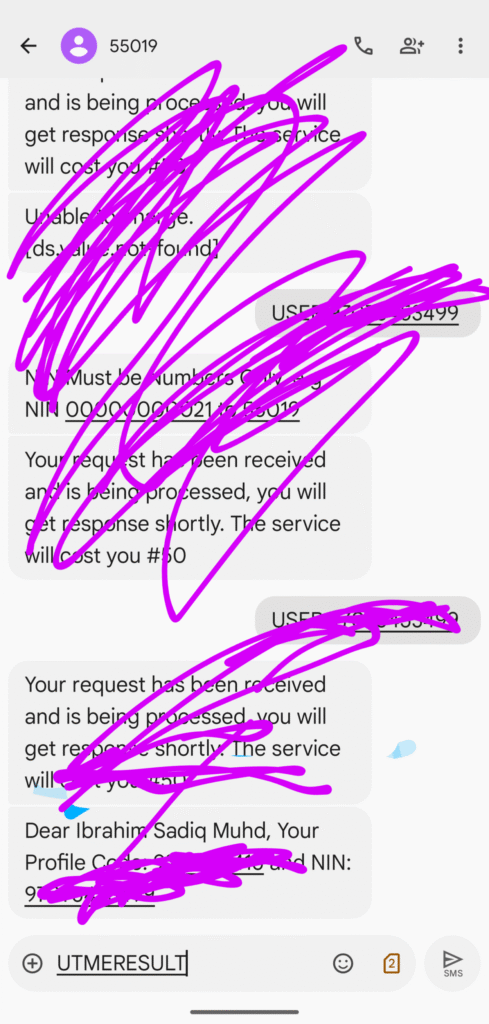
- Send the SMS
How to check Jamb Result Portal Online
This way will help those that lost their SIM Card but in Jamb Result Portal
- Click the link to visit Jamb: https://efacility.jamb.gov.ng/
- Log in using your JAMB registration email and password. If you don’t know, click How to Access JAMB Profile Without Going to the JAMB center to forget JAMB profile password
- Click on print result slip
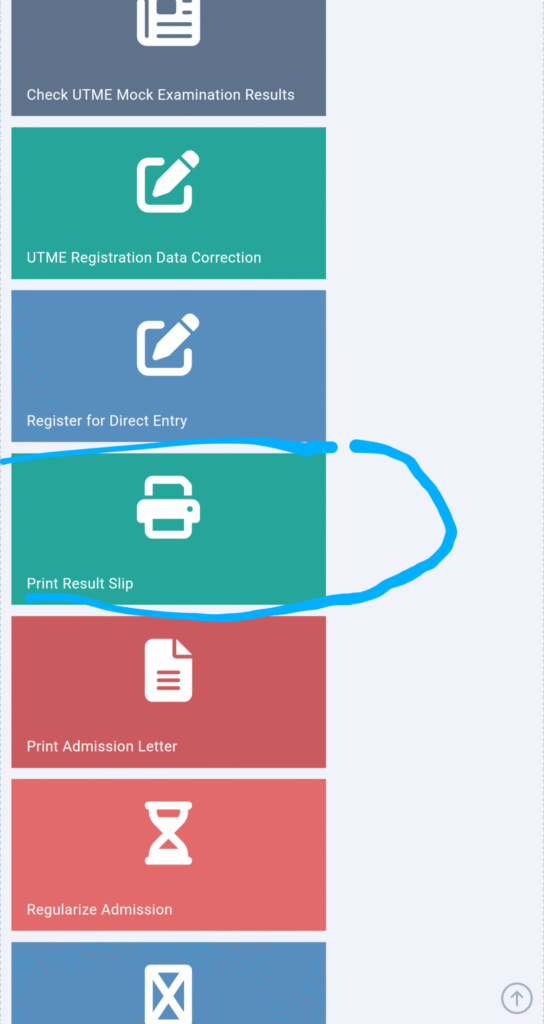
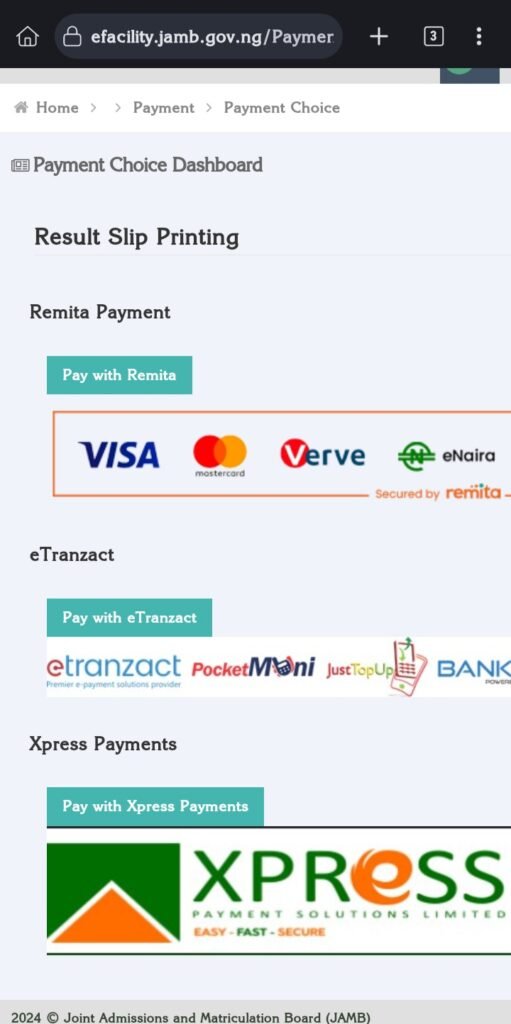
- Select the payment gateway to make the payment of least 1500 to check JAMB result on JAMB portal
And you can check JAMB result with registration number, check JAMB result with phone number, or check JAMB result with profile code by on visiting nearest Accredited JAMB centre.